The builder
$0 with no sign-up: a house from its dials, 3D files, DXF drawings and a concept PDF.
A scenario · for yourself and for a sale
Photograph a house and the AI builds a draft in the 3D builder: floors, roof, facade, garage. You confirm the sizes and then change the house as you like: materials, the sun, the season, files.
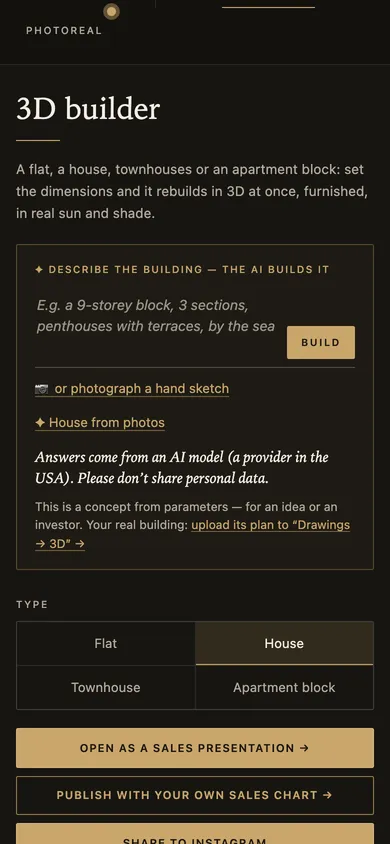
Type “House”, then «✦ House from photos».
 Try it
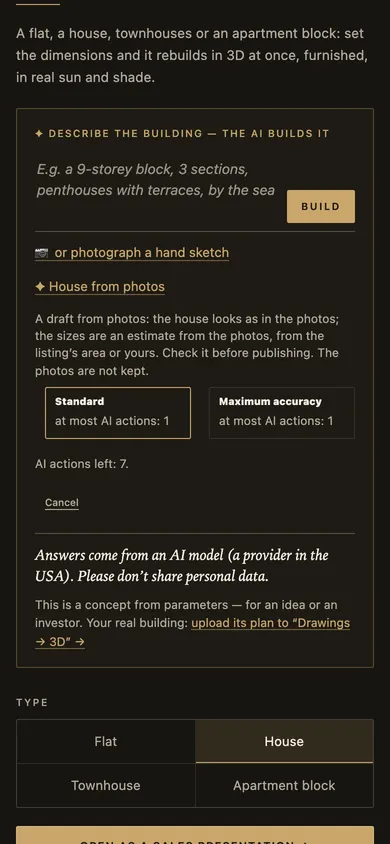
Up to 4 photos of the house. “Standard” or “Maximum accuracy” — one AI action at most. The photos are not kept.
 Try it
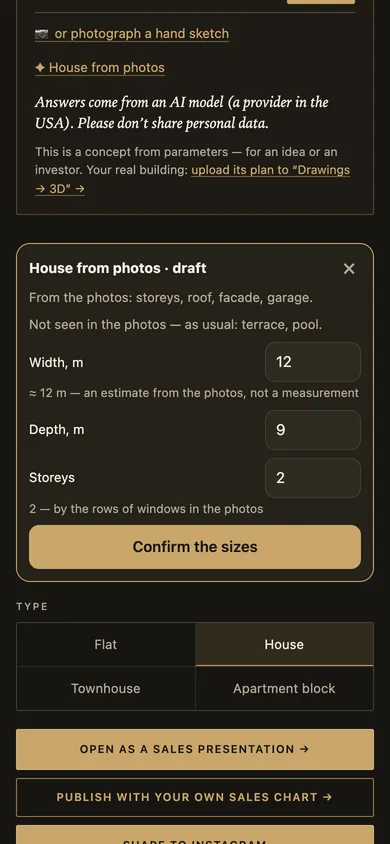
The width is an estimate from the photo, not a survey; check the depth and floors yourself. What the photos don’t show is placed as usual.
 Try it
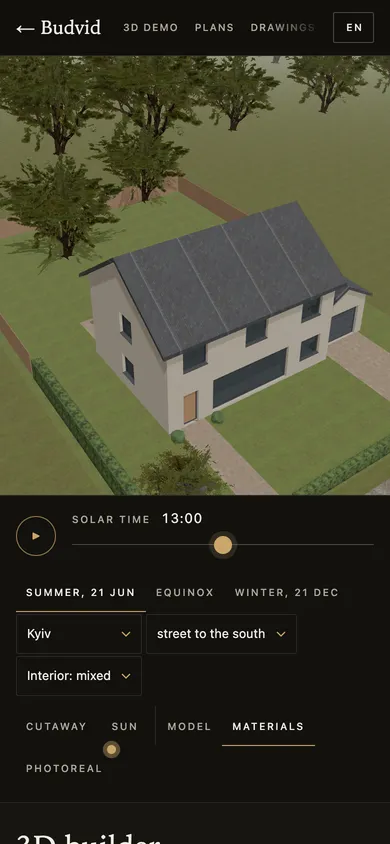
The sun by the hour and the season, materials, surroundings; then 3D files, drawings and a concept PDF.
 Try it
Screenshots taken on a 390 px phone with Budvid demo data. The room and facade “photos” in them are frames of our own 3D, not someone else’s pictures.
$0 with no sign-up: a house from its dials, 3D files, DXF drawings and a concept PDF.
$5 a month: 10 AI actions — a house from photos, a description or a drawing. No auto-renewal.
in the cabinet, the plan stays. On the business plans — from their own allowance.
It is a draft: the look is the photo’s, the sizes an estimate you confirm. A concept for an idea or an investor, not a building design.
A house from photos needs a plan with AI actions; the builder itself and its files are free.
One to four photos of the house. What they don’t show — a terrace or a pool, say — is placed as usual, and you can change it in the builder.
The width is an estimate from the photo, not a survey; you check and correct the depth and the number of floors before the house is built.
GLB, USDZ to view on an iPhone, OBJ, DXF drawings of a floor and the facades, flat tables and a concept PDF. Free, with no sign-up.
No. The AI reads the photos to build the draft, and we don’t keep them.
The builder is free: build a house from its dials, and with “For yourself” — from photos or a description.
More about your own home on Your own house in 3D.