Size and floors
Width from 9 to 14 m, depth from 7.5 to 11 m, from a bungalow up to three floors. The rooms and the stairs lay themselves out.
For anyone building a home for themselves
Set the size, floors, roof and facade — the house rebuilds as you go, furnished, with sun and shadows on the plot. Show it to your family, an architect or a builder — by a link, as a file or as a shot on Instagram.
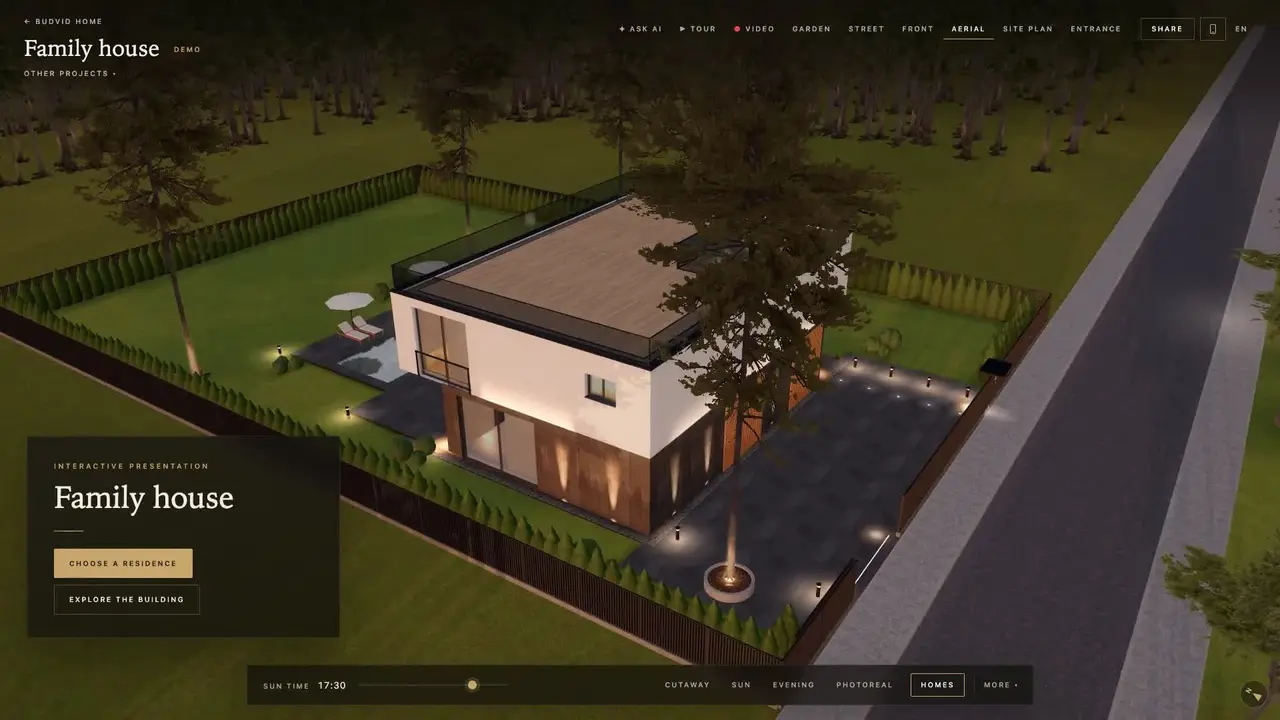
Width from 9 to 14 m, depth from 7.5 to 11 m, from a bungalow up to three floors. The rooms and the stairs lay themselves out.
A gable, hip, shed or flat roof at the pitch you like. The facade in brick, render, travertine, graphite brick, wood slats or glass.
Standard grounds, premium or with a pool. Around — fields, forest, a lake, the sea or the mountains.
How the light moves over the plot through the day, in summer and in winter — to see where the terrace gets the sun and where the shade falls.
Turn on the cut — and every room shows: bedrooms, the kitchen-living room, bathrooms, the stairs.
The builder works out the floor area, and from your price per square metre — an estimated total value.
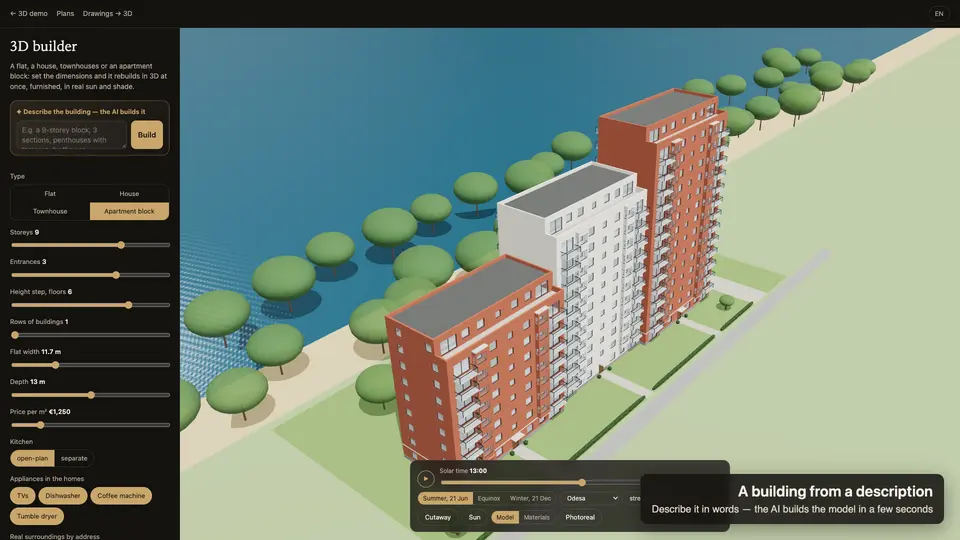
Write it in plain words: “a 120 m² house by the forest, two floors, a garage, a gable roof” — the AI builds it in 3D. Have an architect’s drawing? The AI reads it and turns it into 3D too.
$0 The house, furniture, sun, every file and the concept PDF — no sign-up.
$5 a month: 10 AI actions — a house from a description, or a drawing → 3D.
Pay for a month or a year when you need it — a year costs as much as 10 months. Nothing is charged by itself.
Run out of actions? Buy a pack in the cabinet — the plan stays.
Yes. The 3D builder, the GLB, OBJ, USDZ and DXF files and the concept PDF need no sign-up and no plan. Only one thing is paid: the AI that builds the house from your description or drawing — the ‘For yourself’ plan, $5 a month.
Width and depth, the number of floors (from a bungalow to three storeys), the roof’s shape and pitch, the facade finish, the grounds (standard, premium, with a pool) and the surroundings — fields, forest, lake, sea or mountains. The house rebuilds at once, furnished inside, with sun and shadows.
$5 a month — 10 AI actions: a house from your description, or a drawing → 3D. No auto-renewal: you pay for a month or a year when you need it. Run out of actions? Buy a pack in the cabinet — the plan stays.
No. It is a visual concept: to see the idea and talk it over with your family, an architect or a builder. Areas, cost, sun and foundation are estimates. Building needs a design by an architect.
Yes: GLB for Blender and websites, OBJ for any 3D editor, USDZ puts the house on your table in augmented reality on an iPhone. The DXF drawings of the floor plan and the facades open in AutoCAD.
The builder opens in seconds, on a phone or a laptop. Like it? Share the shot on Instagram.