Test drive
$1 for 7 days, once: one project, leads to Telegram.
A scenario for developers
From floor plans to a building whose facade shows the available, reserved and sold flats, and to requests that arrive in your Telegram or CRM. The “New complex” wizard takes you through it.
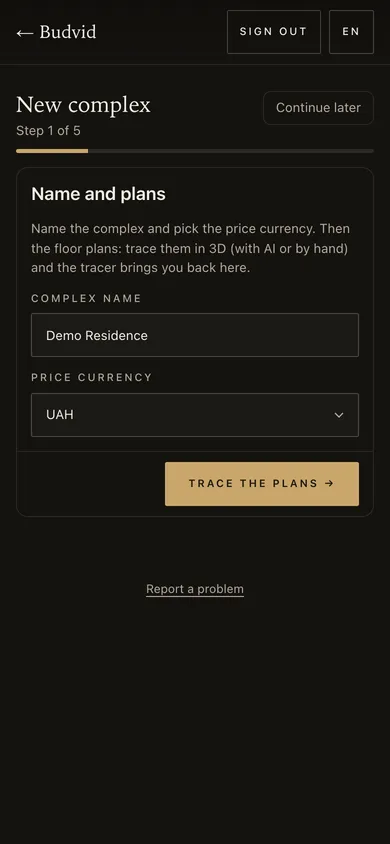
budvid.com/p/… page, a code for your site and buyers’ requests in Telegram, your CRM and the cabinet.The complex’s name and the prices’ currency. Then the floor plans.
 Cabinet screenshot
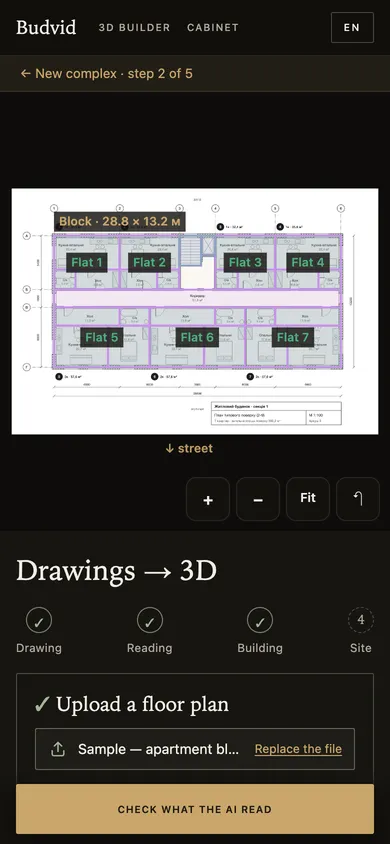
A photo, scan, PDF or DXF: the AI traces the block and the flats, you check what it read.
 Cabinet screenshot
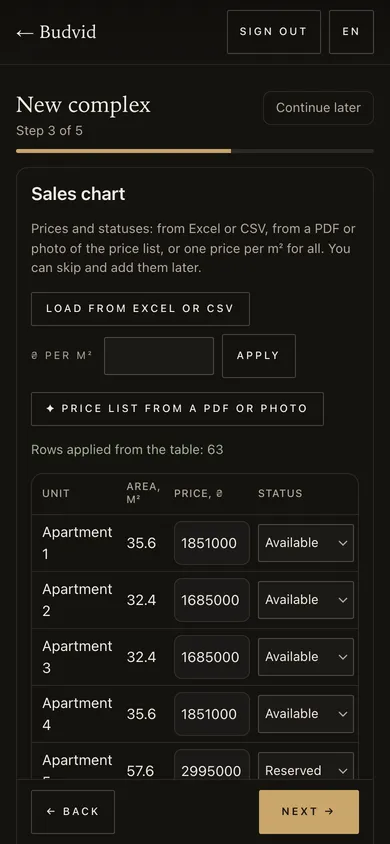
Prices and statuses from Excel or CSV, from a PDF or photo of a price list, or one price per m² for the whole building.
 Cabinet screenshot
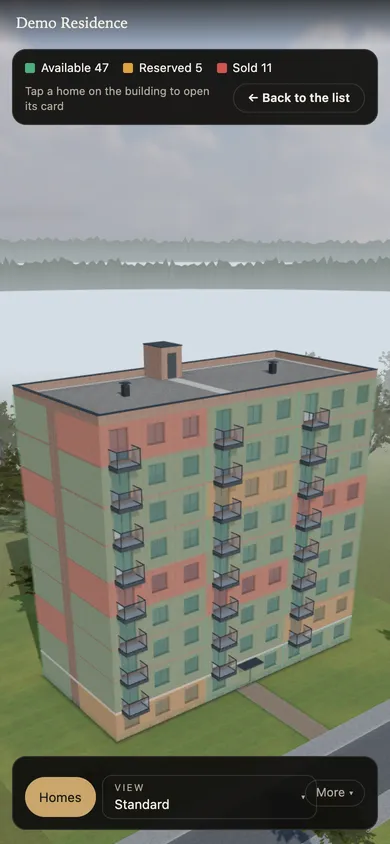
Available, reserved and sold flats are lit on the building; a buyer taps a flat to open its card.
 Open the demo
A request with the flat’s number goes to your Telegram and CRM; all of them stay in the cabinet with a CSV export.
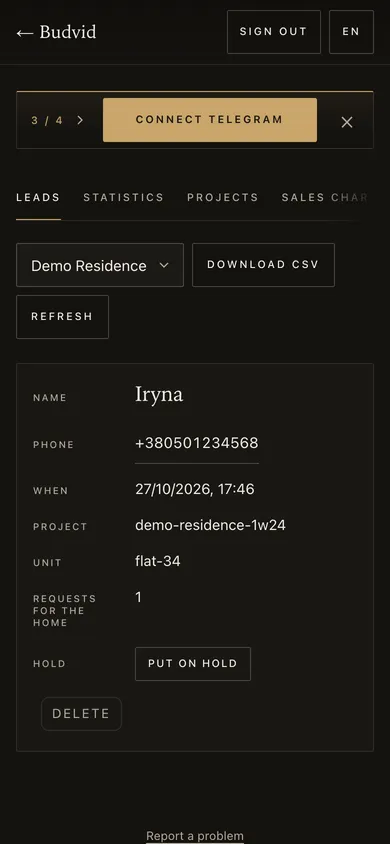 Cabinet screenshot
Screenshots taken on a 390 px phone with Budvid demo data.
$1 for 7 days, once: one project, leads to Telegram.
$29 a month: a house, townhouses or a cottage settlement with a sales chart.
$79 a month: up to 3 complexes, leads to your CRM and Telegram, API.
$199 a month: up to 15 projects.
Prices, areas and calculations on the page are indicative, not a public offer; keeping the chart current is on your side.
You check the plan and the price list the AI read before publishing; tracing uses AI actions from your plan’s allowance.
A photo, scan, PDF or a DXF from AutoCAD. After the read you check the block and the flats and fix them by hand if needed.
In the cabinet — a flat at a time or all together, a price per m² for the whole building. Or upload the Excel or CSV table again.
To your Telegram chat and to your CRM by a webhook; all of them also stay in the cabinet and export to CSV.
Copy the site code in the cabinet — one line — and paste it on the page. More on “Apartment chooser and sales chart”.
The demo is an apartment complex with a sales chart, floor plans and a request form. Open it on your phone.
What a buyer sees and how the chart goes on your site — on Apartment chooser and sales chart.